Government-spec passport & visa photos, in minutes.
Upload a selfie from your phone. We crop, correct the background and lighting, and check it against the official spec for your country — and it’s completely free.
Completely free. No subscription, no card — sign in with Google to download.
See it in action
Watch a selfie become a government-spec passport photo — crop, background, lighting and a live compliance check, all before you pay.
The 2-minute tour
Four steps, no app to install
Upload a selfie
Any recent phone photo against a plain-ish wall works. JPEG, PNG or HEIC.
Pick a document
Choose your country and document — we apply the exact size and head ratio.
Check compliance
A live checklist flags background, lighting, head size and open eyes before you pay.
Download & print
Get a digital file for online uploads, plus print-ready sheets for any photo shop.
Three print-ready files, every time
One digital photo for online & e-Visa uploads, plus two tiled sheets you can reprint as many times as you want — at any shop or at home.
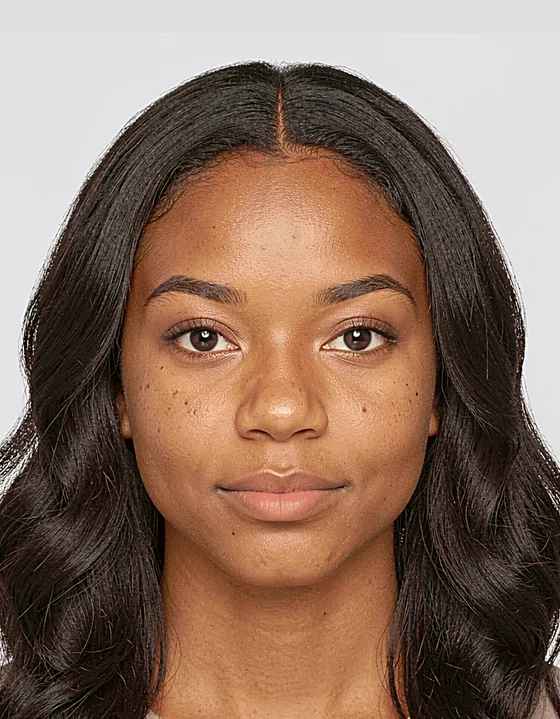
Single digital photo
For online & e-Visa uploads
A5 sheet
Multiple copies · 148 × 210 mm
4×6″ sheet
Any photo shop or kiosk · 102 × 152 mm
Every sheet includes corner cut marks so they’re easy to trim.
Built for the document you need
118 document types across passports, visas, ID cards and standard sizes — each using the official size, head ratio and background.
These are the most popular — see all 118 document types, including 43+ countries’ visa photos and standard sizes. Every spec is checked against an official or standard source before it goes live.
Completely free
Free
- Single digital file for online & e-Visa uploads
- A5 & 4×6″ print sheets — reprint as many copies as you want
- Print at any photo shop, 7-Eleven, or at home
- Compliance check built in
- Yours to keep — plus a 7-day backup to re-download
No card required — sign in with Google to download.
Print at home or any shop — we don't mark up printing.
See how we compare to booths & other tools →Common questions
Starting with the one everyone asks: what if it gets rejected?
What if my photo gets rejected?
We check your photo against the official published specification for your document — head size, dimensions, background and more — before you pay, and show you exactly what passes, so you only download once it looks right. The final decision always rests with the issuing authority, and acceptance can also depend on how it’s printed and your pose on the day. It’s your responsibility to make sure the photo is fit for purpose before you use or submit it.
How do I get the best result?
Use a recent, front-facing photo in even light against a plain wall, with a neutral expression, eyes open and no glasses. Our live checklist flags lighting, background, head size and open eyes so you can retake before you pay.
Are your specifications accurate?
Every document preset is built from an authoritative, published source and verified before it goes live. We add countries and document types regularly.
Can I make a photo for my child or baby?
Yes — an adult can upload and create a photo on behalf of a child they’re responsible for.
A guided visa-application service
We're building a step-by-step service to help you prepare and submit visa applications. Get your photo today — and be first to know when it launches.